How to Use a Key
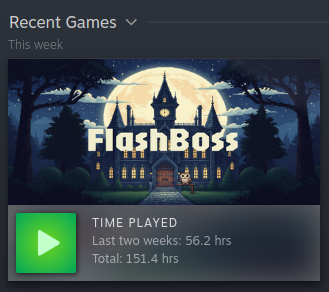
Activate your FlashBoss beta key on Steam
-
Open Steam
Launch the Steam client on your computer.
-
Go to Games > Activate a Product on Steam
In the top menu bar, click
Gamesthen selectActivate a Product on Steam...
-
Enter Your Key
Follow the prompts and paste your beta key when asked.
Your key will look something like:
XXXXX-XXXXX-XXXXX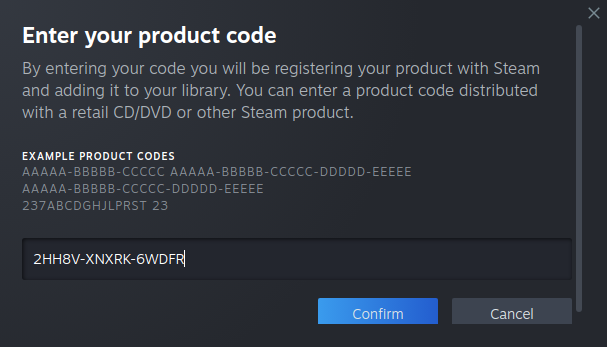
-
Download and Play
FlashBoss will appear in your Steam library. Click Install, and you're ready to begin your studies.