Terminal
Where the magic stops and the CLI begins
Welcome to the Raw Layer
Press 9 from the gates and you'll land here - your terminal, in the FlashBoss directory. This is where the game's polished UI ends and the command line takes over.
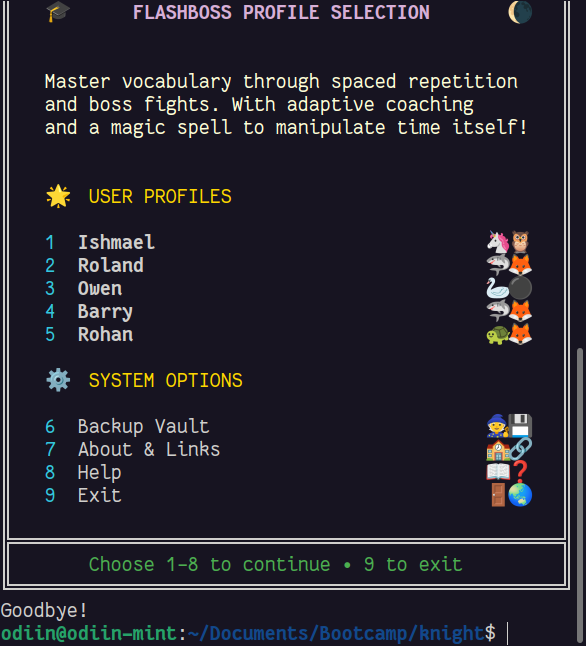
Click to return to the Manual
CLI Screens
Two screens live outside the main game loop. Run ./FlashBoss to jump back in anytime.
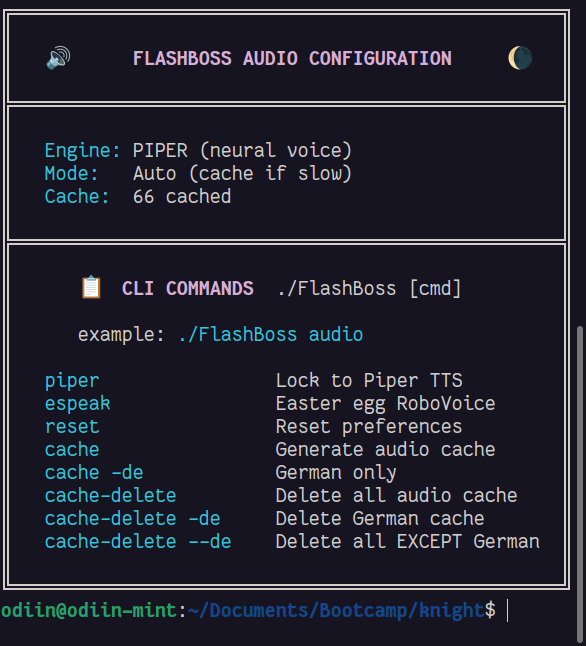
Audio Configuration
TTS engine settings and cache management.
./FlashBoss audio
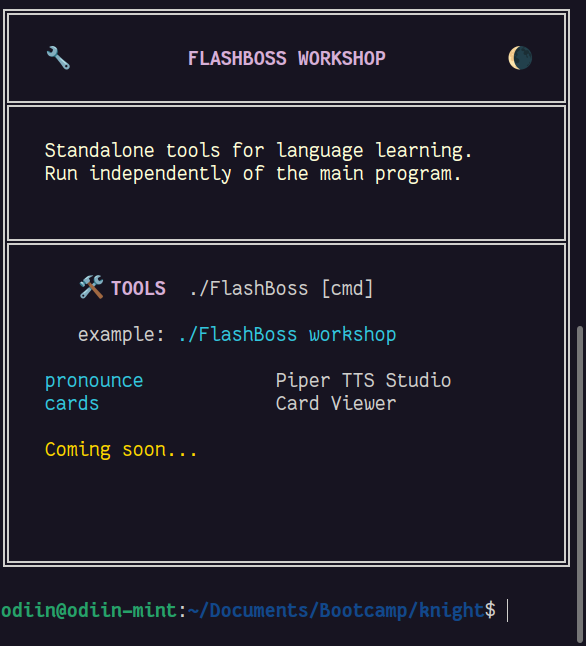
Workshop
Standalone tools that run independently.
./FlashBoss workshop
Audio Commands
Control the TTS engine and manage your audio cache.
./FlashBoss piperLock to Piper TTS (neural voice)./FlashBoss espeakEaster egg RoboVoice./FlashBoss resetReset all preferences./FlashBoss cacheGenerate audio cache (all languages)./FlashBoss cache -deGenerate German cache only./FlashBoss cache-deleteDelete all audio cache./FlashBoss cache-delete -deDelete German cache./FlashBoss cache-delete --deDelete all EXCEPT German
Workshop Tools
Standalone utilities for language learning. Run independently of the main program.
./FlashBoss pronouncePiper TTS Studio - hear any word./FlashBoss cardsCard Viewer - browse your deck
More tools coming soon...
Back to FlashBoss
Done with the terminal? Type ./FlashBoss (or FlashBoss.exe on Windows) to return to the game.